In detail
What MCP actually provides
The Model Context Protocol is an open standard for connecting AI applications to outside systems. In the specification, a server can offer three kinds of building blocks: tools, which are functions the model can call to take an action or fetch information; resources, which are data the application can hand the model as context; and prompts, which are reusable templates a user can pick. One server written for a system such as GitHub can then be reused by clients that support a compatible protocol version and the server’s transport, instead of every app building its own integration. How MCP works covers the architecture; the rest of this page is about what that buys you.
1. Workflows across multiple systems
A chatbot answers in its own box. In Angie Jones’s example, an incident fires and the agent pages a human while it simultaneously reads the codebase, works out the cause, and can even put up a pull request with a fix. By the time you log in, the fix can be waiting for your review. That is several tools acting as one workflow, which is not possible on a closed machine.
2. Actions, not just answers
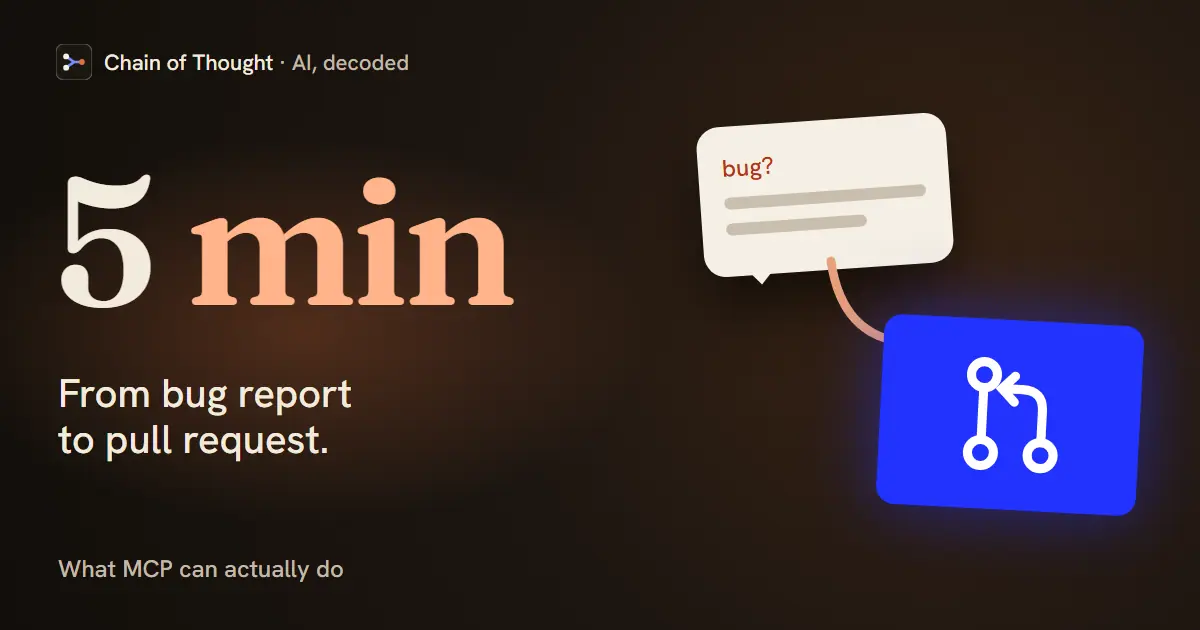
Angie Jones’s Slack example: a developer tags the agent on a suspected bug, it reads the conversation, checks the code through the GitHub connection, confirms the bug, proposes fixes, and opens the PR the team picks. Five minutes, no call, no IDE. The agent is operating tools, not describing what to do.
3. New products for your customers
Angie’s sharper point: in her view, the big use case is not your internal developer workflow. It is what you can build for your customers by connecting applications together that could not talk before. MCP is a product surface, not just an internal convenience.
The caveat
None of this means installing random connectors. At a company handling money, Block keeps an allowed list and routes every server through security first. Openness plus guardrails. The specification itself says the same about actions: for trust, safety and security, there should always be a human able to deny a tool call, and applications should show which tools are exposed and ask for confirmation on operations. AI agent identity and permissions covers how to scope what a connected agent is allowed to do.
Why it matters
The dismissal of MCP as “fancy function calling” misses the point. The value shows up the moment you connect the second and third system, because that is when an agent stops answering and starts doing the work.
Hear it from the guest
“I think that's where MCP really shines, is when you connect multiple systems together to unlock workflows that, like maybe weren't possible before.”
“Goose does that. Here's your pull request guys. And this took five minutes right. We don't need to get on a call. We didn't have to open an IDE.”
“It's much simpler for these agents to use tools and for tools to provide you a way like an API to be used by agents behind MCP servers.”
“In fact, when we launched our own MCP server, we saw the query volume go through roof.”
Quotes lightly edited to remove filler words.
From the conversation
This explainer is drawn from these episodes — each carries its full transcript.



Concepts in this explainer
Model Context Protocol (MCP)AI AgentNon-Human IdentityTool Use (Function Calling)